Example: Custom Player
CustomPlayerSample is a sample code for using custom video player with react-360. Generally what you need to is simply
- Write a custom video player implement VideoPlayerImplementaion, you can simply extend
BrowserVideoPlayerto reuse most of the video control codes. - Add your custom video players as
customVideoPlayersoption when initializing ReactInstance. - The Video module in
react-360will choose in the order of custom players to find the first player that supports the fileFormat of video source.
Exploring the Sample
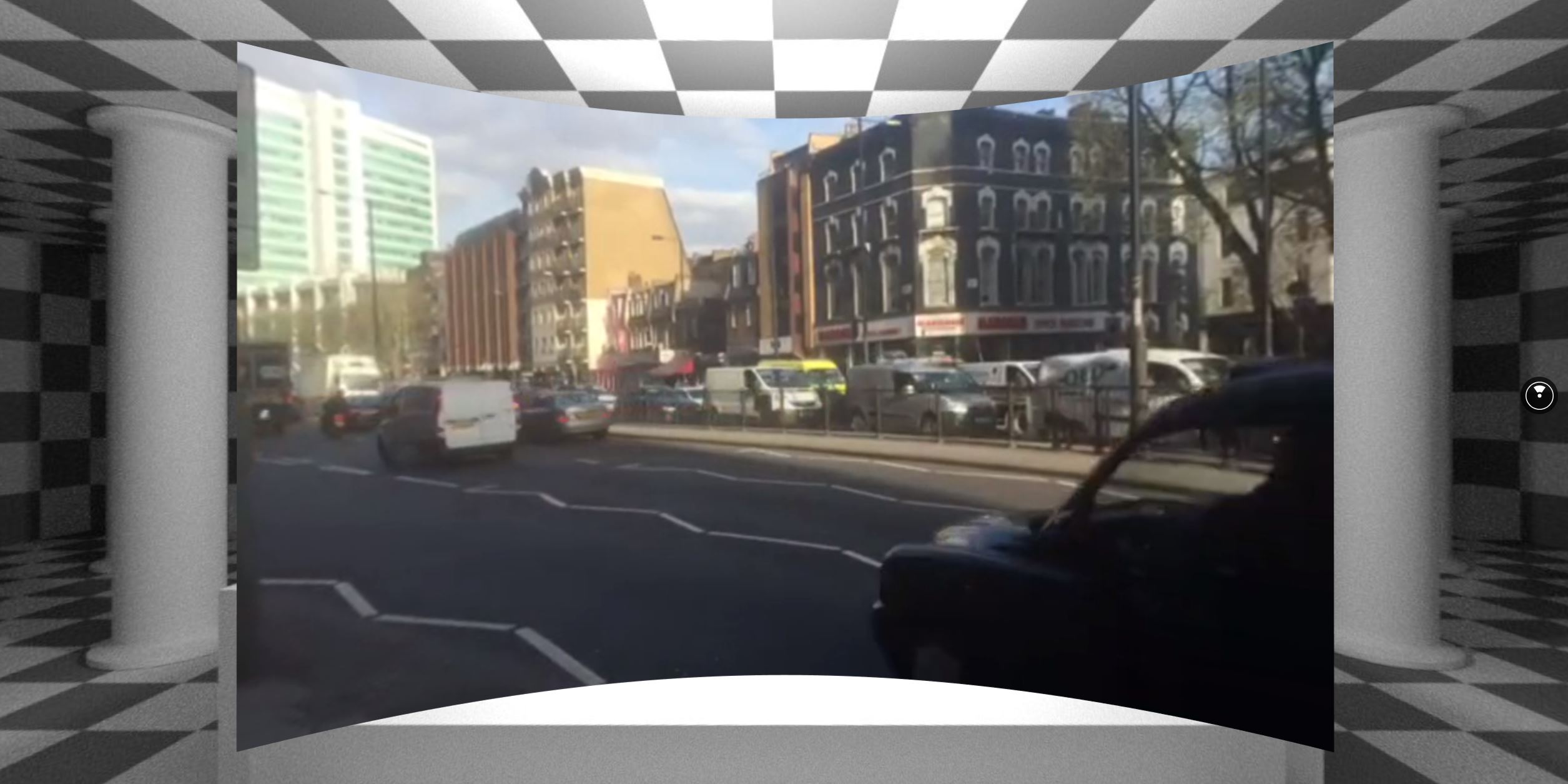
The code for this sample is found here. To test it out for yourself, create a new project with the React 360 CLI, and copy over the files from the repository into your project directory. The dash video assets is large so we don't include it in github, to try out this sample, please download it from https://www.dropbox.com/s/4h5iuryd3myfha8/asset.tar.gz?dl=1 and extract to static_assets/ folder. Then When you start up the server and load http://localhost:8081/index.html, you should see the 360 world with a video played using MPEG-DASH.
The Code
Open up client.js and see the how everything is set up. You just need to use the customVideoPlayers option and provide custom video players you built.
Open up DashVideoPlayer.js to see the example of a custom video player, it simply just extends the BrowserVideoPlayer and initializes the video with MPEG-DASH.